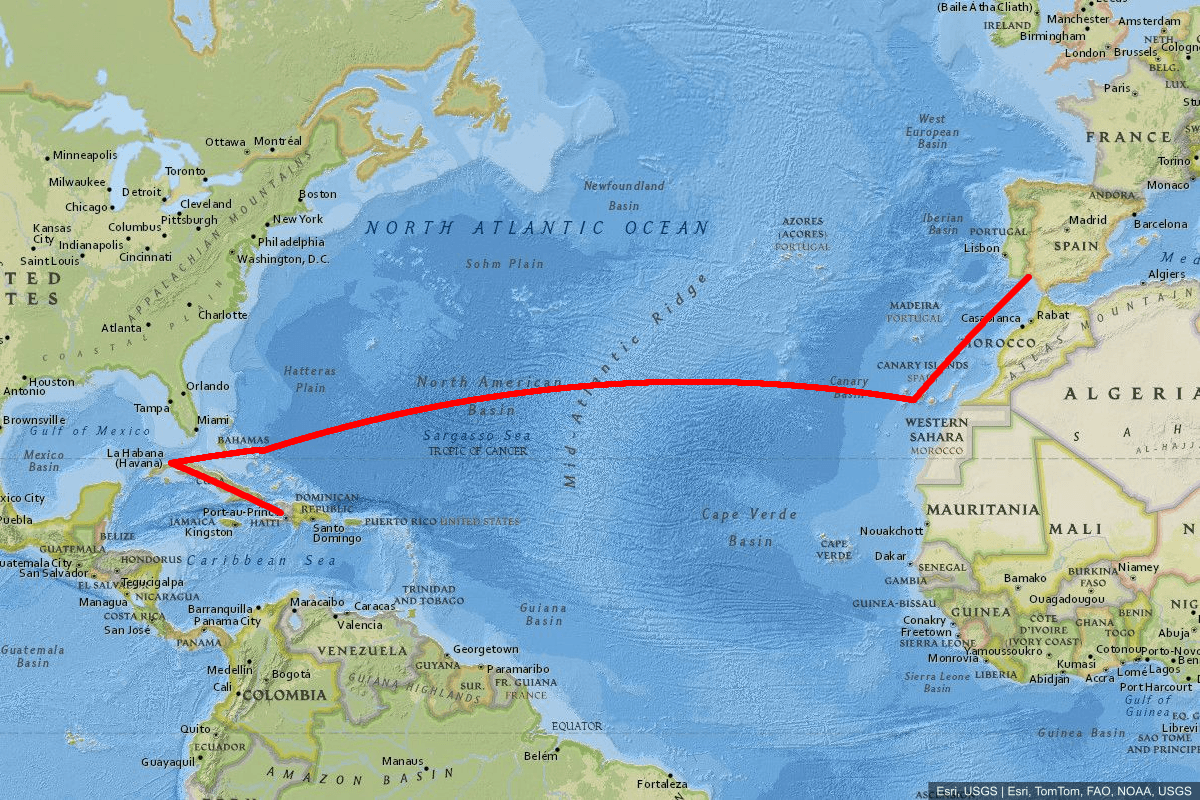
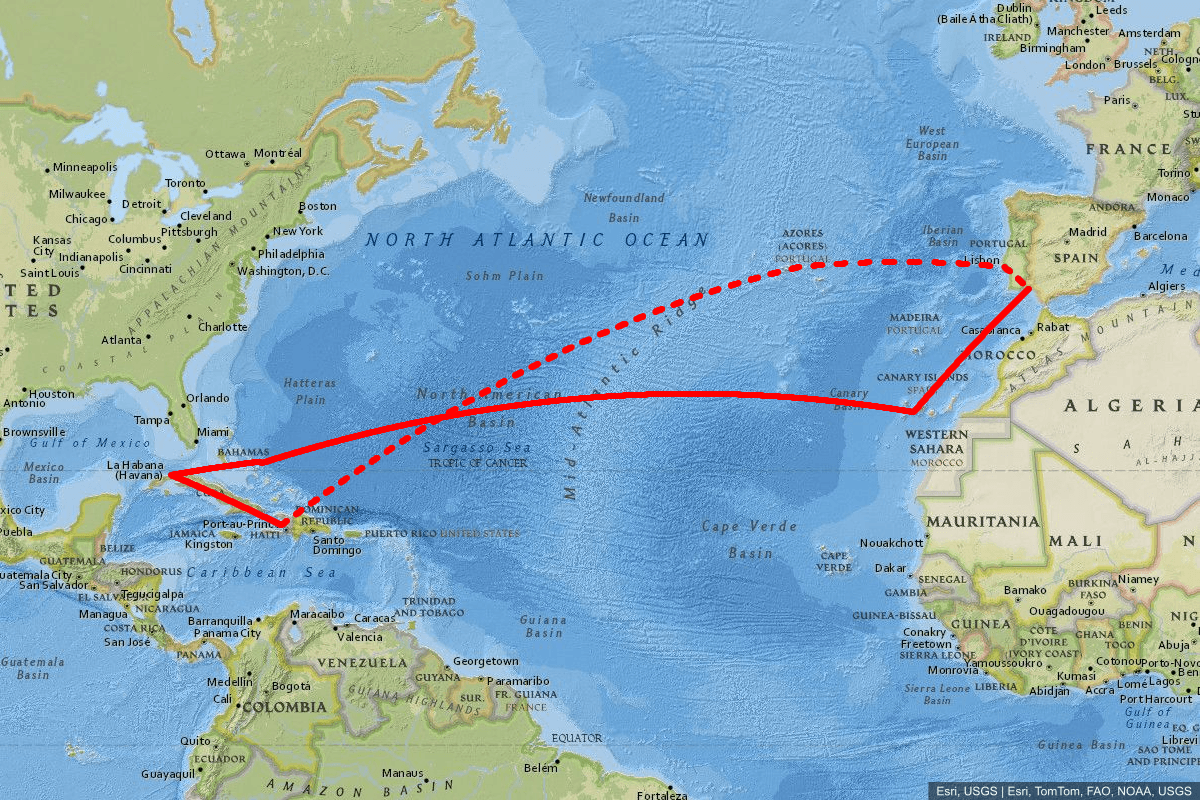
Polylines
To add one or more polylines, use the polyline parameter one or multiple times in the URL query in the following format:
polyline=polylineStyle|polylineCoord1|polylineCoord2|...
-
polylineCoord:
- Lat, Lon Coordinates: Coordinates in
lat, lonformat, separated by|. You need at least two coordinates. - Encoded Polylines: You can also use Google Encoded Polyline format.
- Lat, Lon Coordinates: Coordinates in
-
polylineStyle: Customize the polyline with:
Parameter Default Description weight6Sets the stroke width of the polyline. colorblueDefines the stroke color of the polyline. fillSpecifies the fill color of the polyline. strokeDasharray(none) Pattern of dashes and gaps, e.g., 5,5see stroke-dasharray.withGeodesicLinetrueWhen true, generates geodesic lines between each pair of coordinates. Set tofalseto draw straight lines.
Note: By default, for each pair of coordinates in the input, a geodesic line is generated between them. You can disable this behavior by setting withGeodesicLine:false.
Regular Coordinates example with no zoom, weight:6, color:0000ff